Convert WORD to PDF
DOC and DOCX to PDF: streamlined viewing and sharing with the PDF Workflow Assistant.

Our PDF Workflow Assistant converts .doc and .docx to .pdf while preserving layout, formatting, and quality. The resulting PDF is accessible on any device or operating system, supporting consistent, productive workflows.
-
PDF to word converter online free
-
No software download or installation
-
Fast Word to PDF conversion
The PDF Workflow Assistant: The Best Online Word to PDF Converter
When you need Word-to-PDF conversions, trust the PDF Workflow Assistant. It delivers speed, precision, and reliability trusted by millions.
Seamless Word to PDF Conversion
Convert any Word document to PDF while preserving the original layout. Fast, professional, and entirely free-designed for a clear, productive workflow.
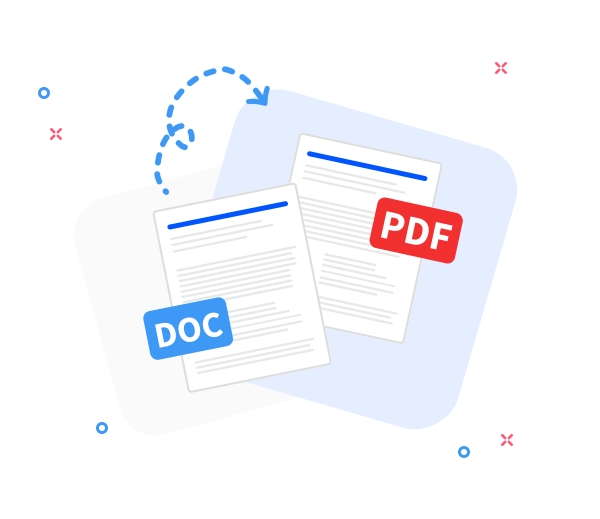
Share the converted files with others.
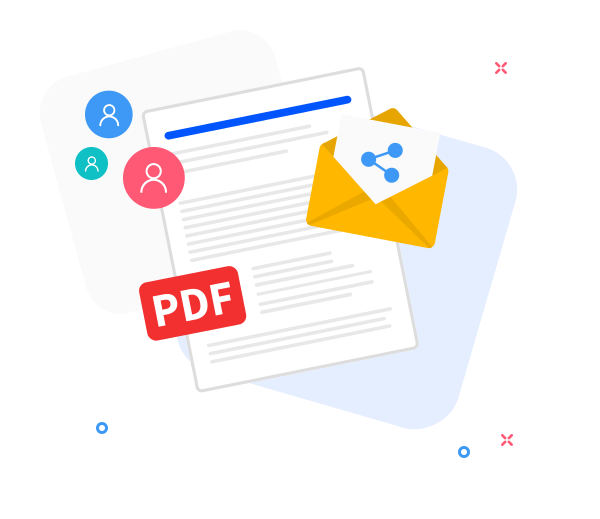
Our sharing capabilities streamline teamwork. After conversion, instantly generate a shareable link or email the PDF with a few clicks.
Elevate PDF quality within your streamlined workflow.
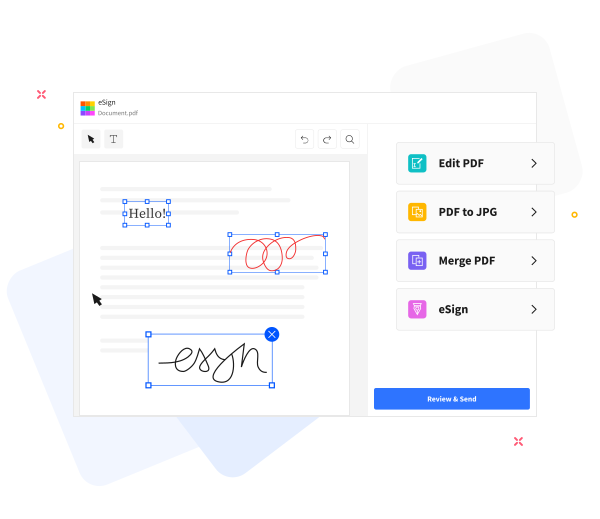
The PDF Workflow Assistant equips you with built-in, smart tools to streamline tasks: insert text, compress files for email, annotate, and merge PDFs with ease.
Frequently Asked Questions
Yes. The Word-to-PDF function is offered online at no cost as part of the PDF Workflow Assistant, enabling you to convert Word documents to PDF without registration, watermarks, or client software.
Yes. The Word-to-PDF conversion maintains text formatting, fonts, images, and page layout to ensure the resulting PDF mirrors the original Word document-a key for seamless workflows.
Yes. Files are transmitted over HTTPS and processed automatically as part of the PDF Workflow Assistant. All uploaded Word documents and generated PDFs are purged from our servers after a brief retention period to safeguard privacy.

Step-by-step guide: How to convert a Word document to PDF.
A PDF Workflow Assistant guide: convert a Word file to PDF through a streamlined, productivity-focused sequence.
- Drag and drop your Word file into the PDF Workflow Assistant-powered converter.
- Click “Convert to PDF”.
- Allow a brief moment for the PDF Workflow Assistant to process the file.
- Click “Download” to save or share your PDF, completing the streamlined workflow.
 Remove pages