
{{ getFeatureName(action_mode) }} your image

Drop your image here.
Our popular AI tools
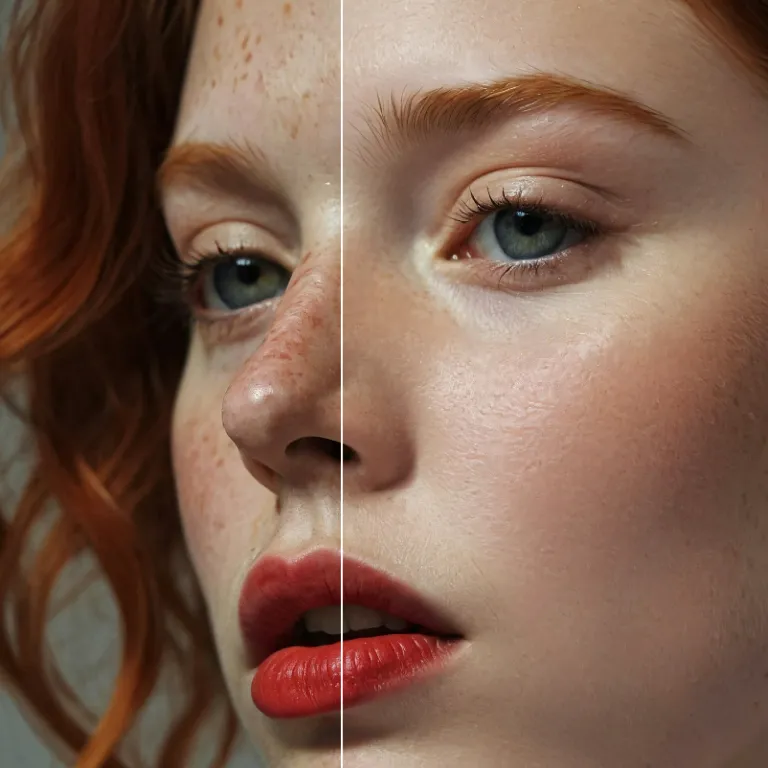
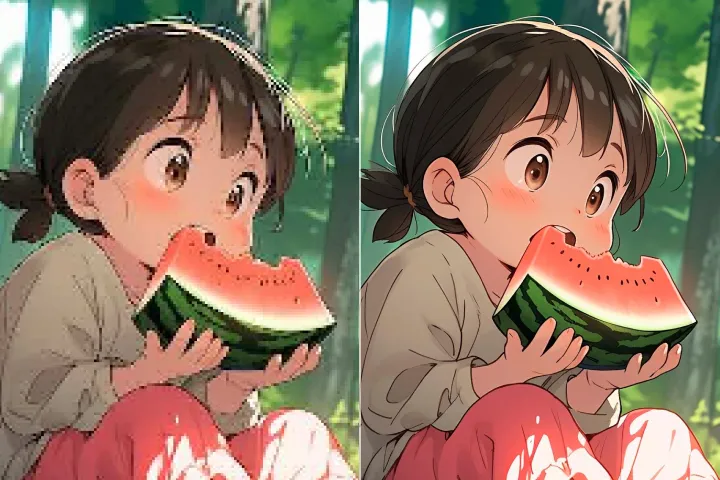
Enhance Photo
Automatically enhance the blurry photo's resolution and increase the overall quality.
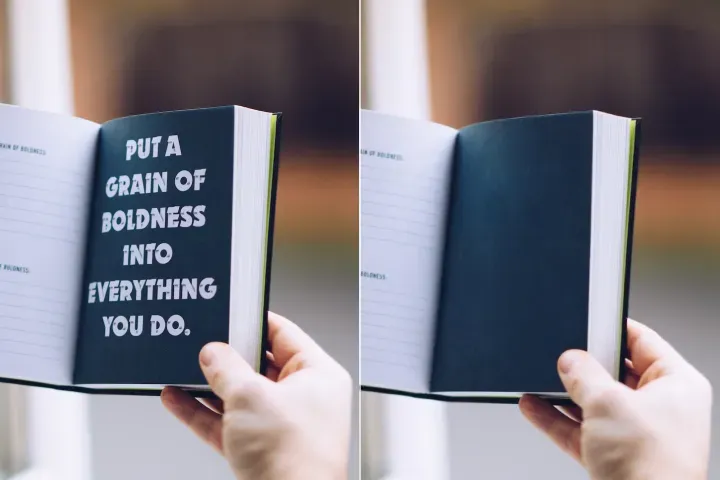
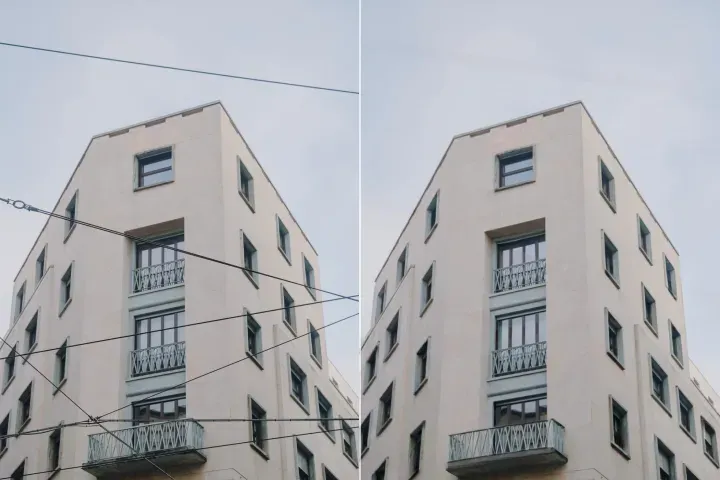
Remove Objects
AIPhotor's One-Touch AI simply detects and removes unwanted details in your picture.
Remove Background
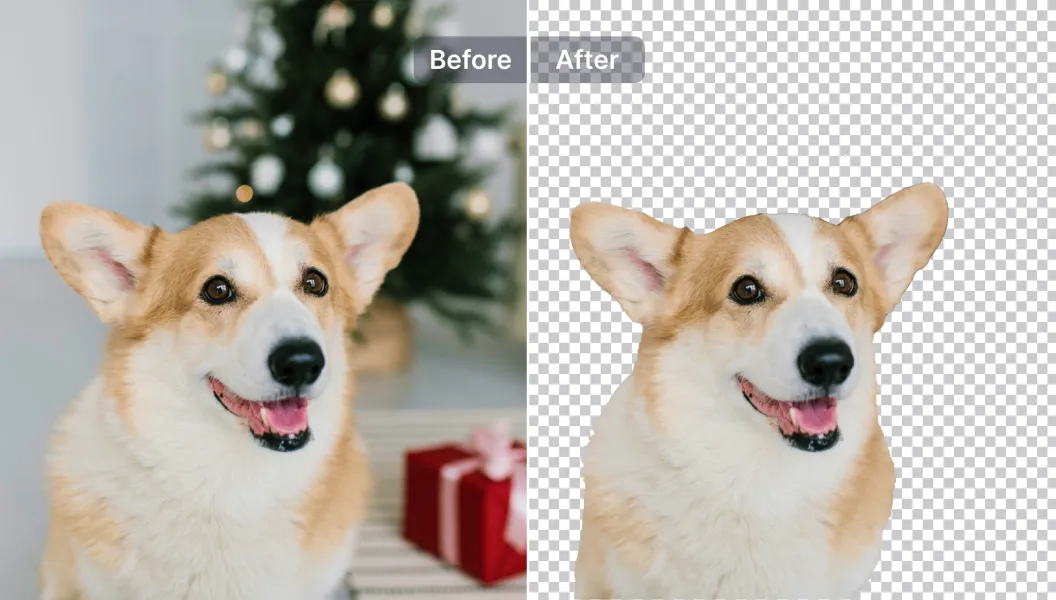
Seamlessly remove background from photos. Edit background with 100+ well-designed templates.
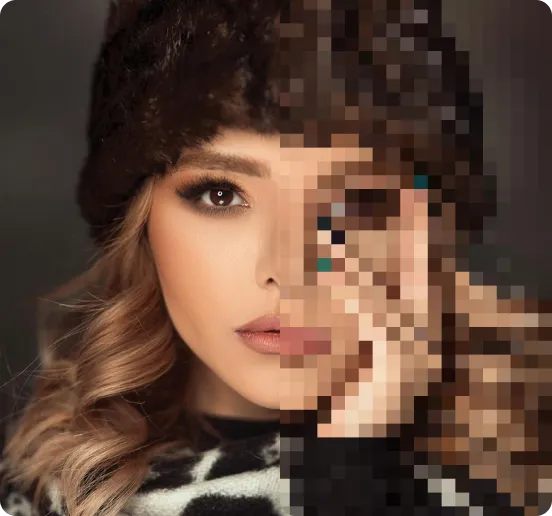
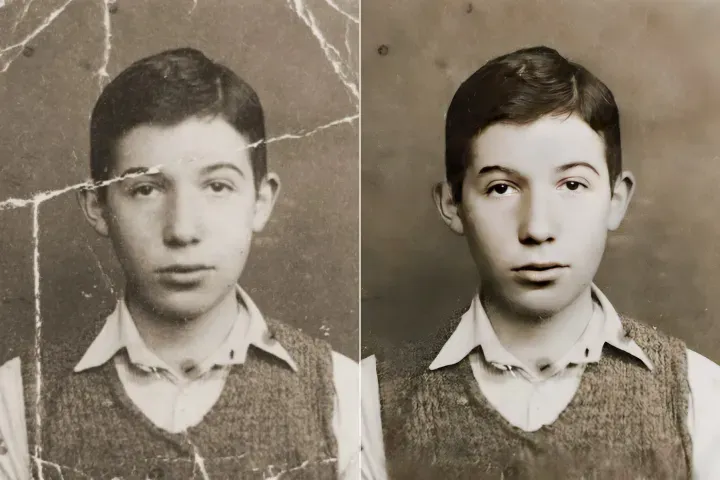
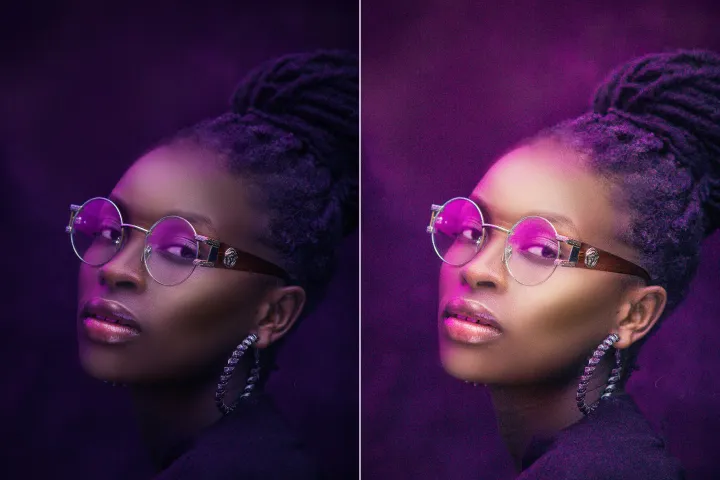
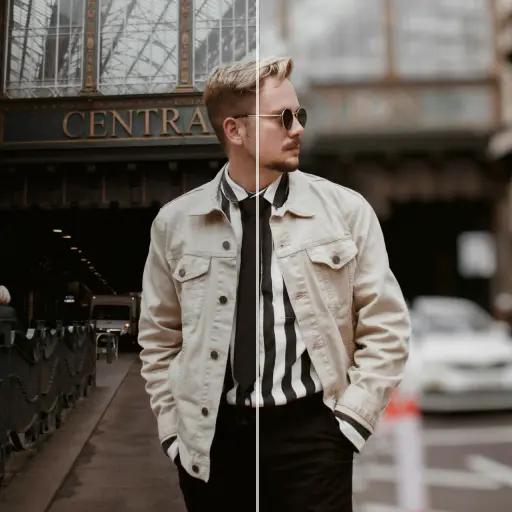

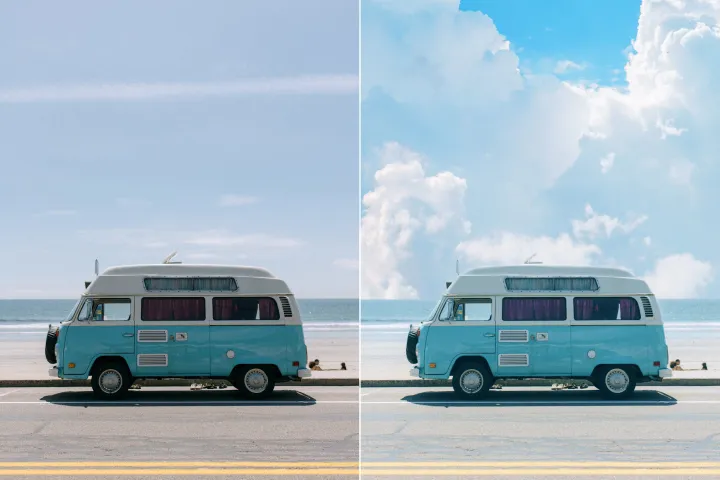

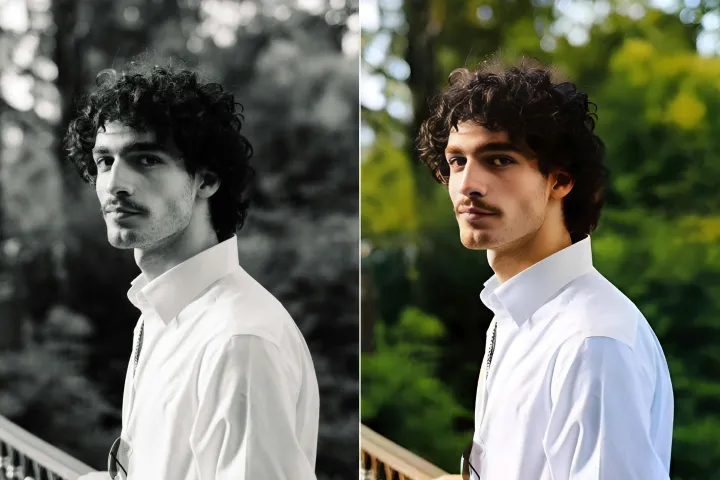
ลบพื้นหลังของภาพ
ด้วย AI
ผู้ช่วยเวิร์กโฟลว์ PDF: ลบพื้นหลังของภาพได้อย่างง่ายดาย แก้ไขได้อิสระ ปรับสีพื้นหลัง เพิ่มกราฟิก หรือแทนที่พื้นหลังในไม่กี่คลิกด้วย AIPhotor เพื่อเอกสารที่ดูสะอาดตาและมีผลกระทบมากขึ้น.
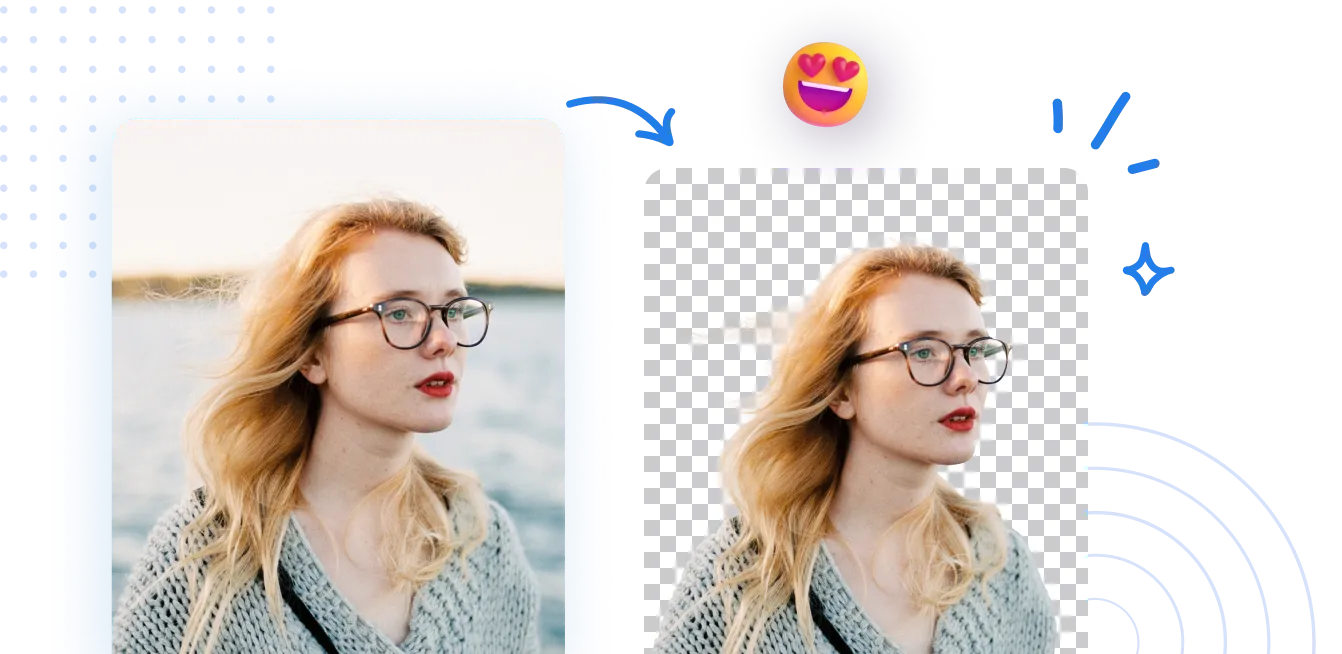
วิธีลบพื้นหลังออกจากรูปถ่าย?
ผู้ช่วยเวิร์กโฟลว์ PDF: เข้าถึงตัวลบฉากหลังของ AIPhotor ได้ใน 3 ขั้นตอนง่ายๆ เปิดตัวลบฉากหลังภายในเวิร์กโฟลว์ของคุณ แล้วทำตามขั้นตอนแนะนำเพื่อใช้งานการเปลี่ยนแปลง.
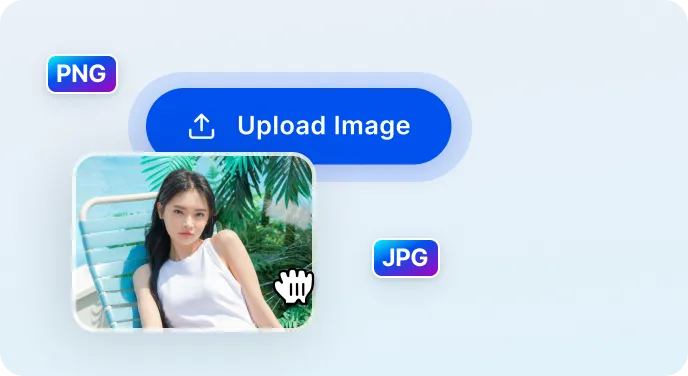
1 อัปโหลดภาพ
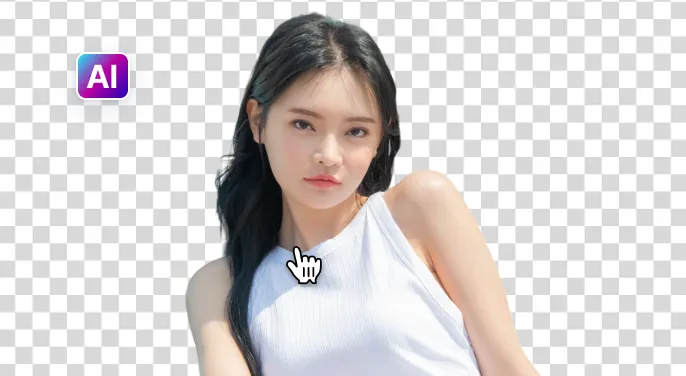
2 รอให้ AI ลบพื้นหลัง

3 ดาวน์โหลดภาพ
ลบพื้นหลังภาพให้ง่ายขึ้นด้วย เอไอ
ลบพื้นหลังอย่างรวดเร็วและแม่นยำ
ผู้ช่วยเวิร์กโฟลว์ PDF: การลบฉากหลังเกิดขึ้นภายในไม่ถึง 5 วินาทีด้วย AIPhotor โดยรักษารายละเอียดของภาพเพื่อผลลัพธ์ที่เรียบร้อยพร้อมสำหรับการตีพิมพ์ภายในเวิร์กโฟลว์ของคุณ
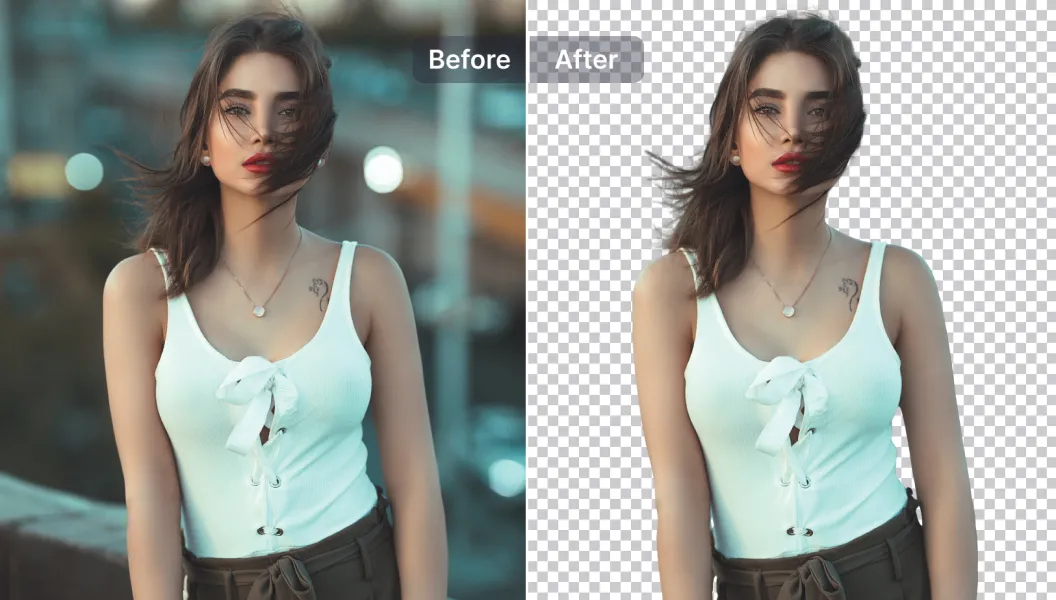
ตัวเลือกการแก้ไขที่ทรงพลัง
ผู้ช่วยเวิร์กโฟลว์ PDF: ปรับปรุงภาพด้วยเครื่องมือแก้ไขที่ขับเคลื่อนด้วย AI-เพิ่มหรือลบข้อความและวัตถุ ปรับขนาด ปรับปรุงคุณภาพ และทำการปรับแต่งเพิ่มเติม-โดยตรงภายในแพลตฟอร์ม
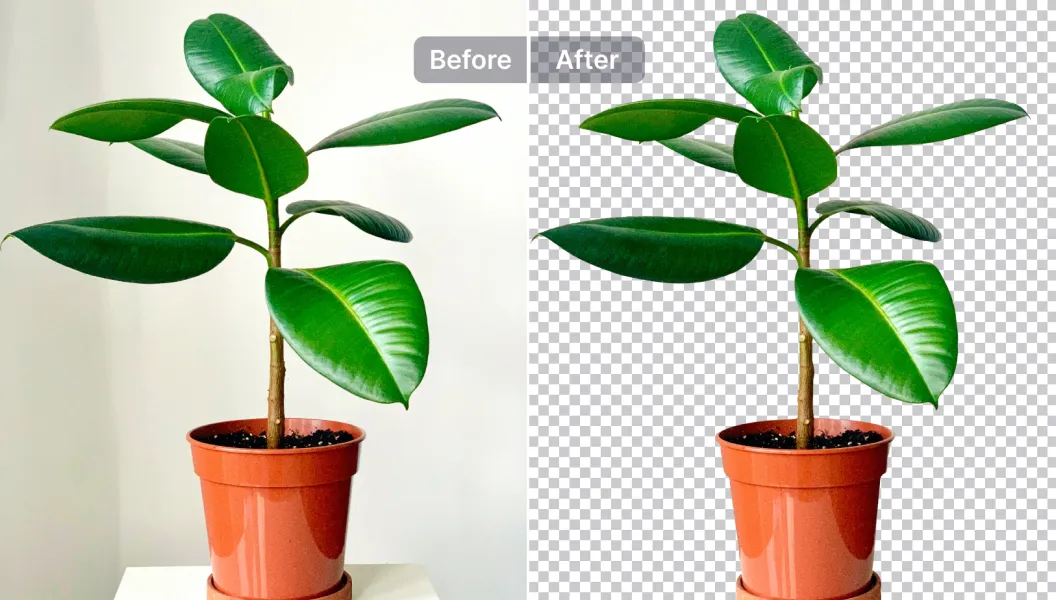
แก้ไข แทนที่ หรือทำให้พื้นหลังโปร่งใส
ผู้ช่วยเวิร์กโฟลว์ PDF: ทำให้ฉากหลังโปร่งใสหรือแทนที่ด้วยมากกว่า 1,500 เทมเพลต (หรืออัปโหลดของคุณเอง) เหมาะสำหรับภาพสินค้า โปรโมชั่น และ PDFs สำหรับโซเชียลมีเดีย

Free to Try
AIPhotor is free to try for 3 days, after which you can subscribe to one of our incredible value plans.

Free to Try
We automatically sharpen and transform your images with AI to create multiple final looks. But you can also adjust and add a prompt to customize the results. Choose what works best for you!

Quick & Easy
Screen, edit, resize and download your photos lightning fast.

Compatible with all devices
AIPhotor is available on the iOS and Android stores. Our app works seamlessly across mobile, desktop, and tablet devices.
Frequently Asked Questions
-
What is AIPhotor Photo Editor?

 AIPhotor is a visual online photo editing website that leverages AI technology to help automatically remove objects/people from images; retouch, enhance, colorize, correct, cartoonize, and animate photos in a snap, replacing other photo editing tools Photoshop, Pixlr editor, or Photopea.
Or just drag & drop image here, upto 50 images at once
Or just drag & drop image here, upto 50 images at once
Frequently Asked Questions
-
What is AIPhotor Photo Editor?
AIPhotor is a visual online photo editing website that leverages AI technology to help automatically remove objects/people from images; retouch, enhance, colorize, correct, cartoonize, and animate photos in a snap, replacing other photo editing tools Photoshop, Pixlr editor, or Photopea.