
{{ getFeatureName(action_mode) }} your image

Drop your image here.
Our popular AI tools
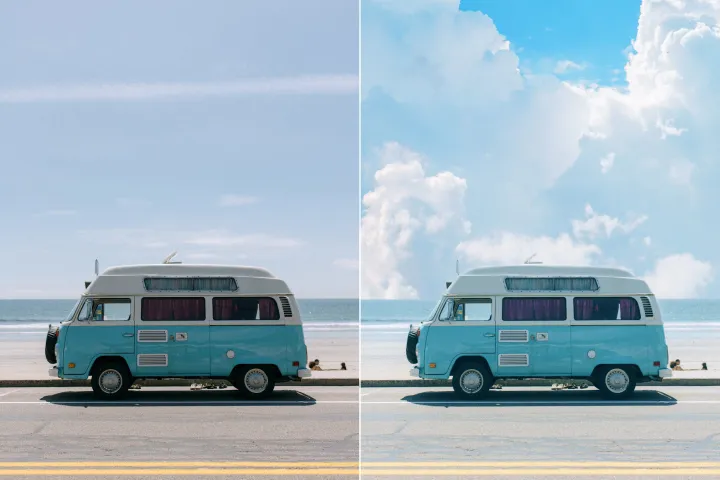
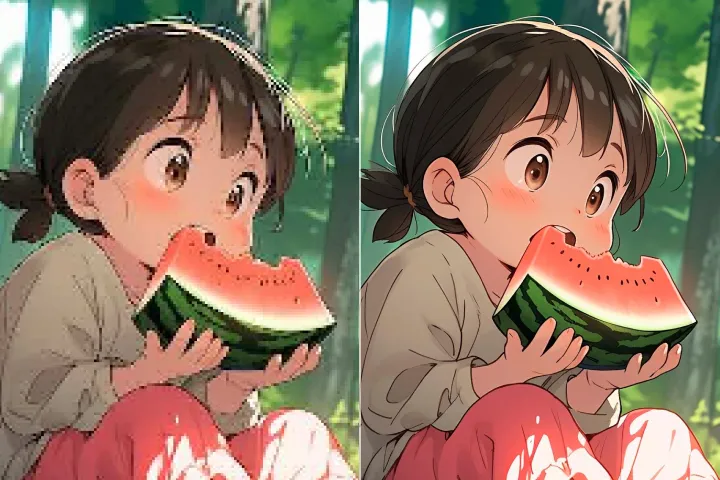
Enhance Photo
Automatically enhance the blurry photo's resolution and increase the overall quality.
Remove Objects
AIPhotor's One-Touch AI simply detects and removes unwanted details in your picture.
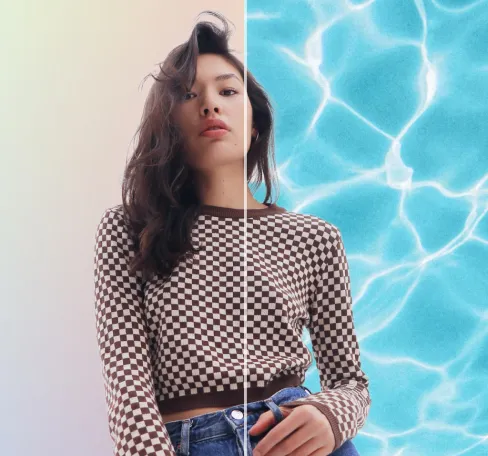
Remove Background
Seamlessly remove background from photos. Edit background with 100+ well-designed templates.
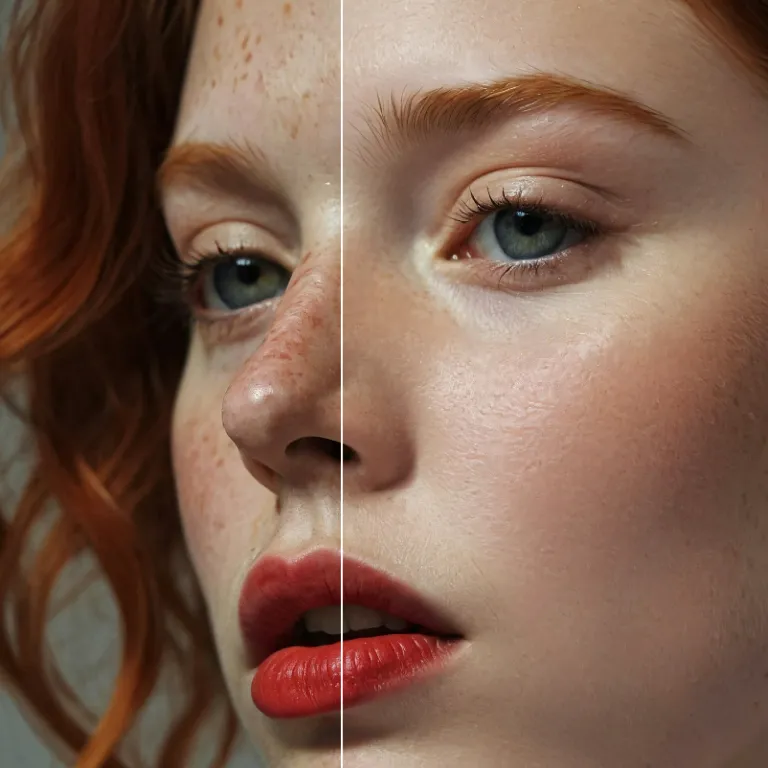
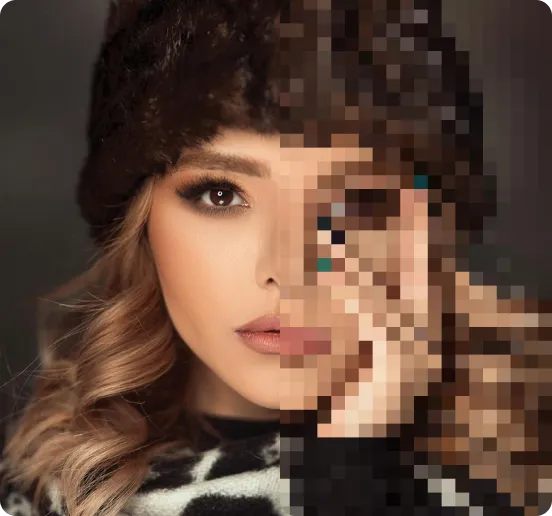
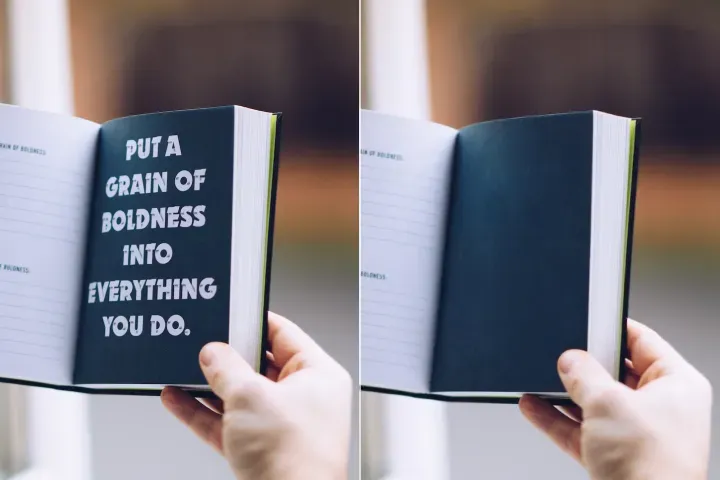
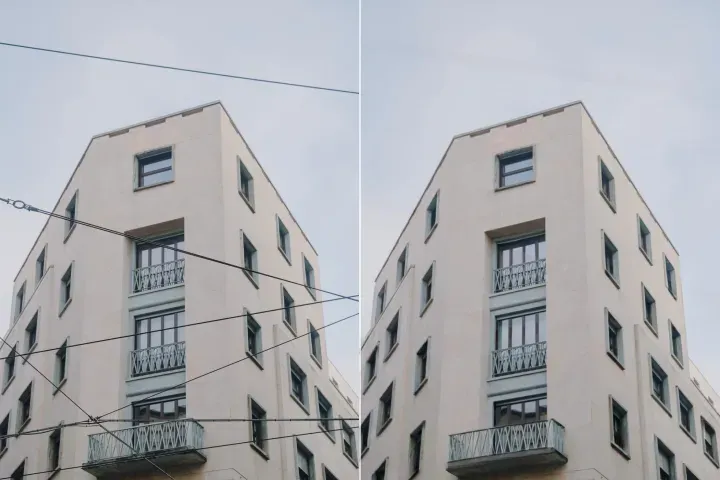
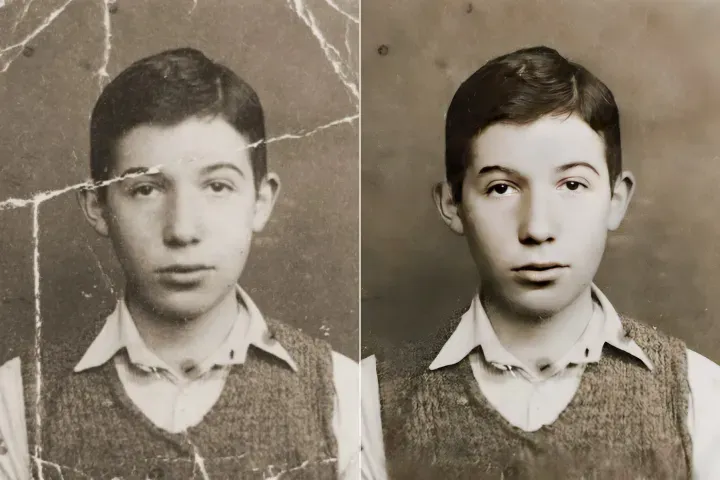
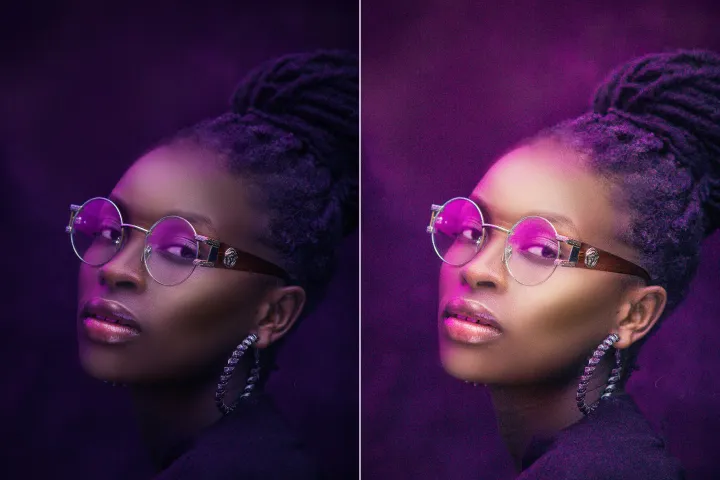
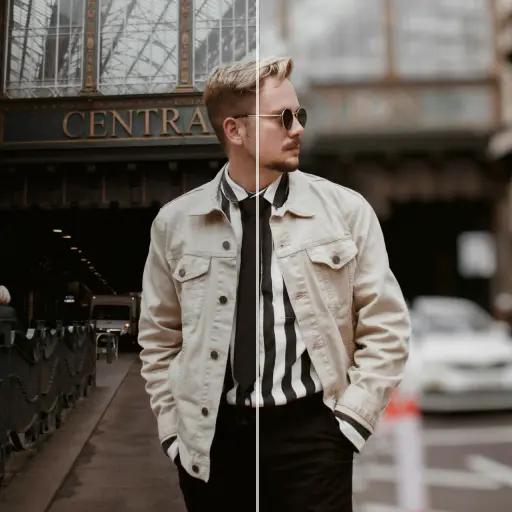
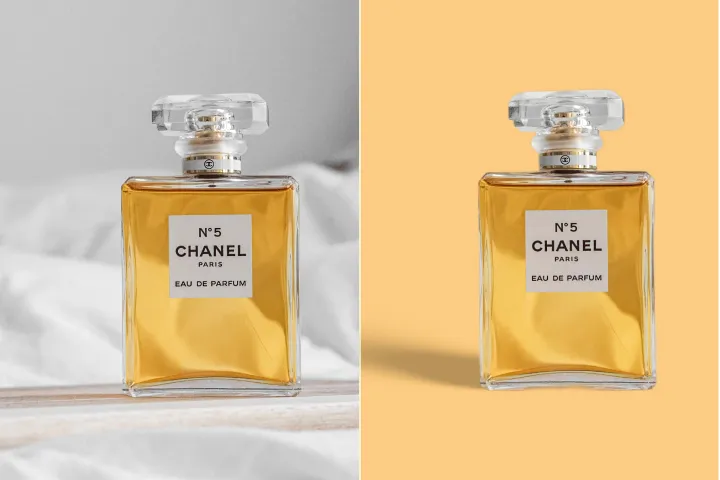
사진용 AI 피부 리터칭
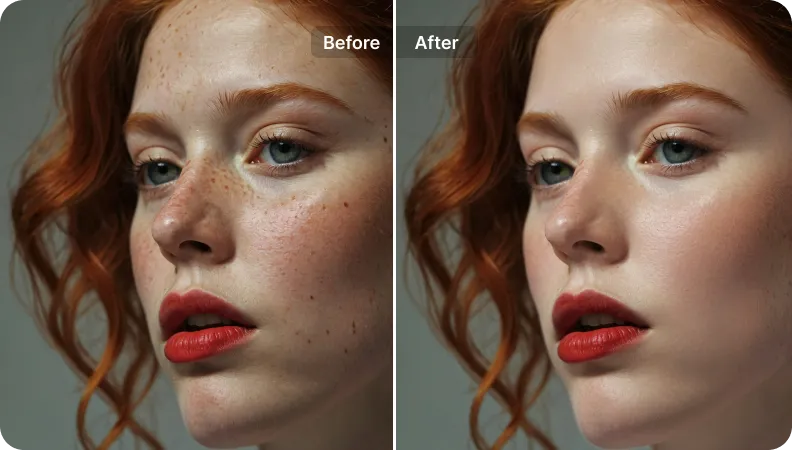
PDF 워크플로우 어시스턴트: 원터치 피부 보정으로 문서 속 인물을 흠잡을 데 없는 모습으로 다듬습니다. 과도하게 보정하지 않는 미묘하고 자연스러운 결과로 전문적인 품질을 유지합니다.
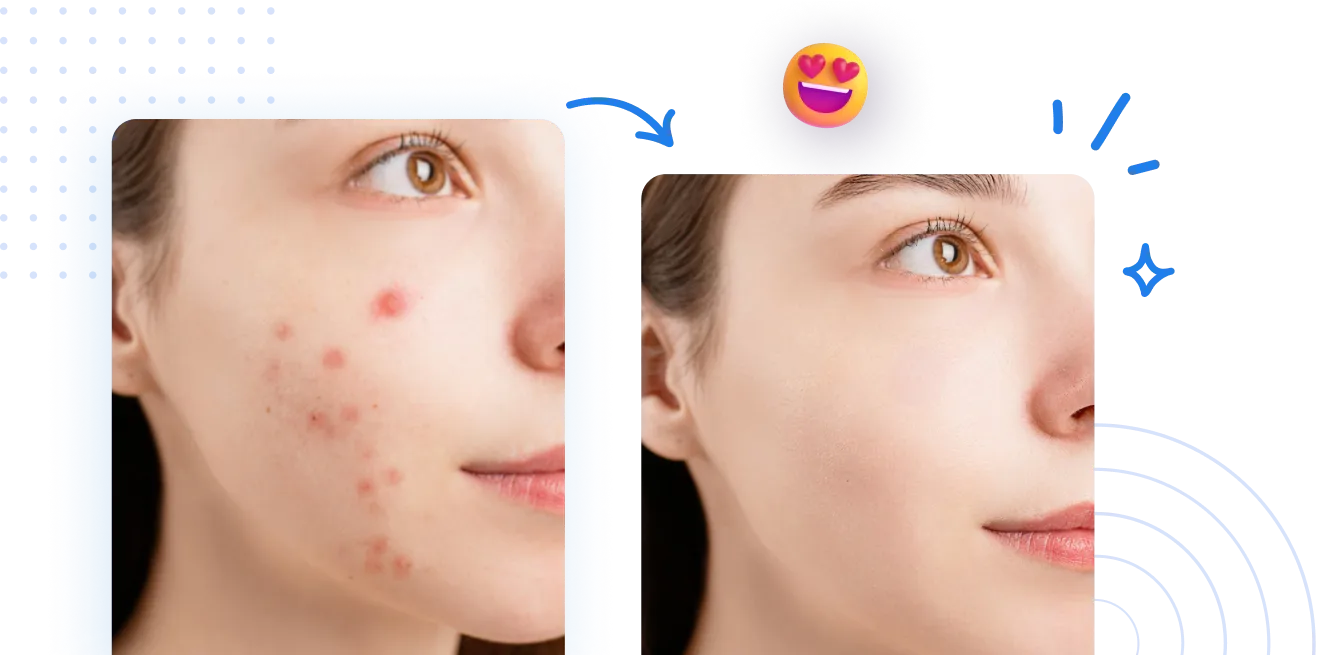
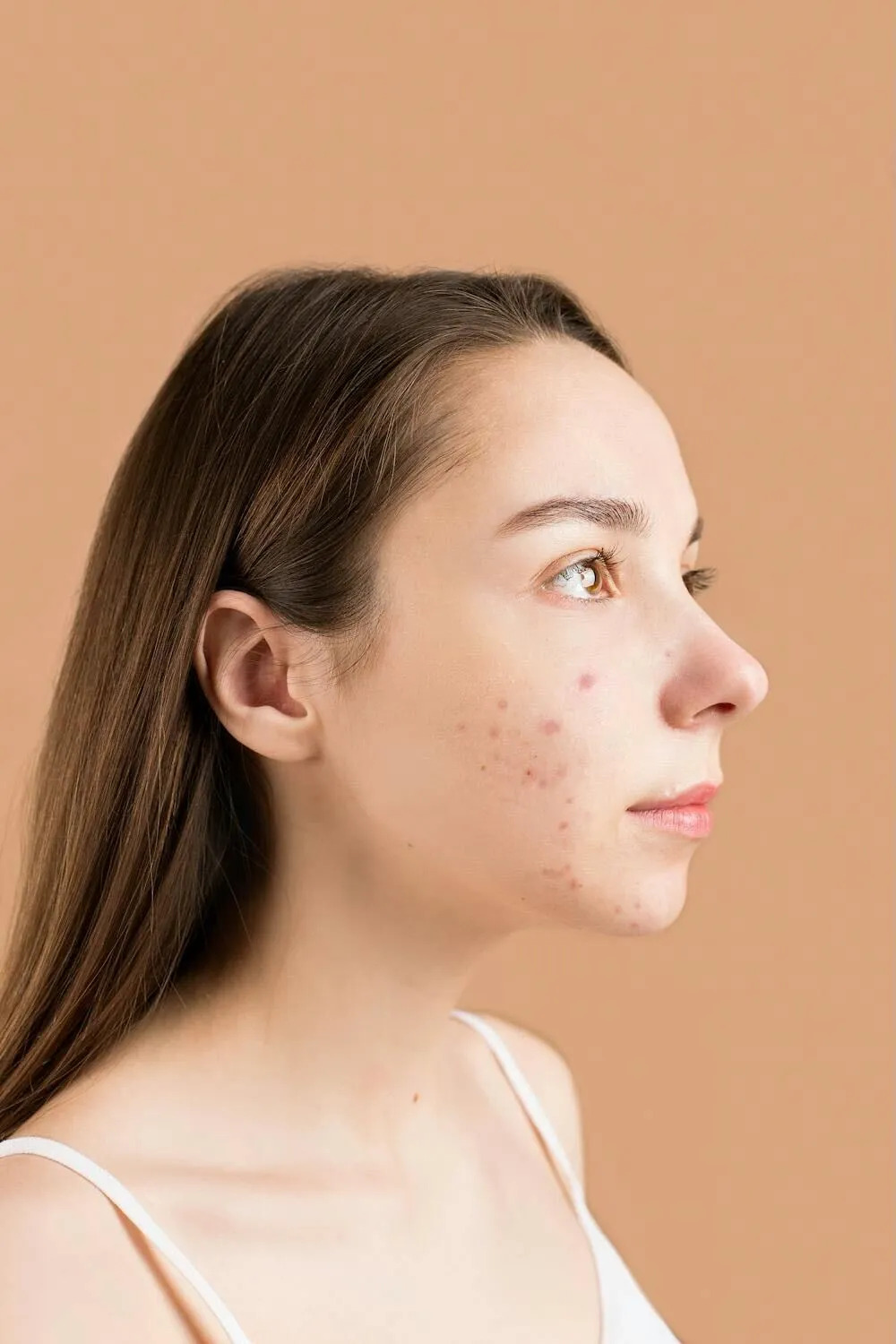
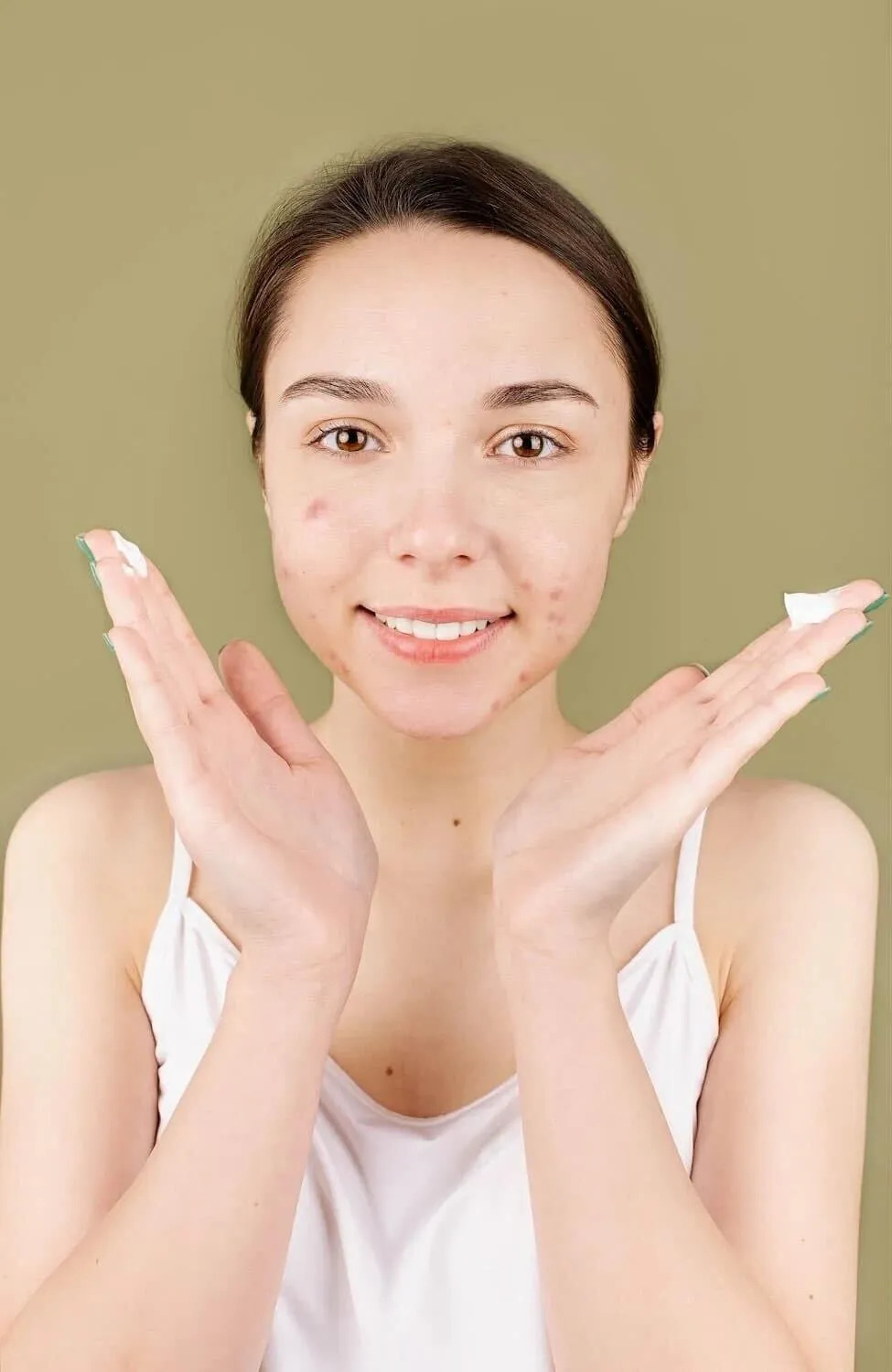
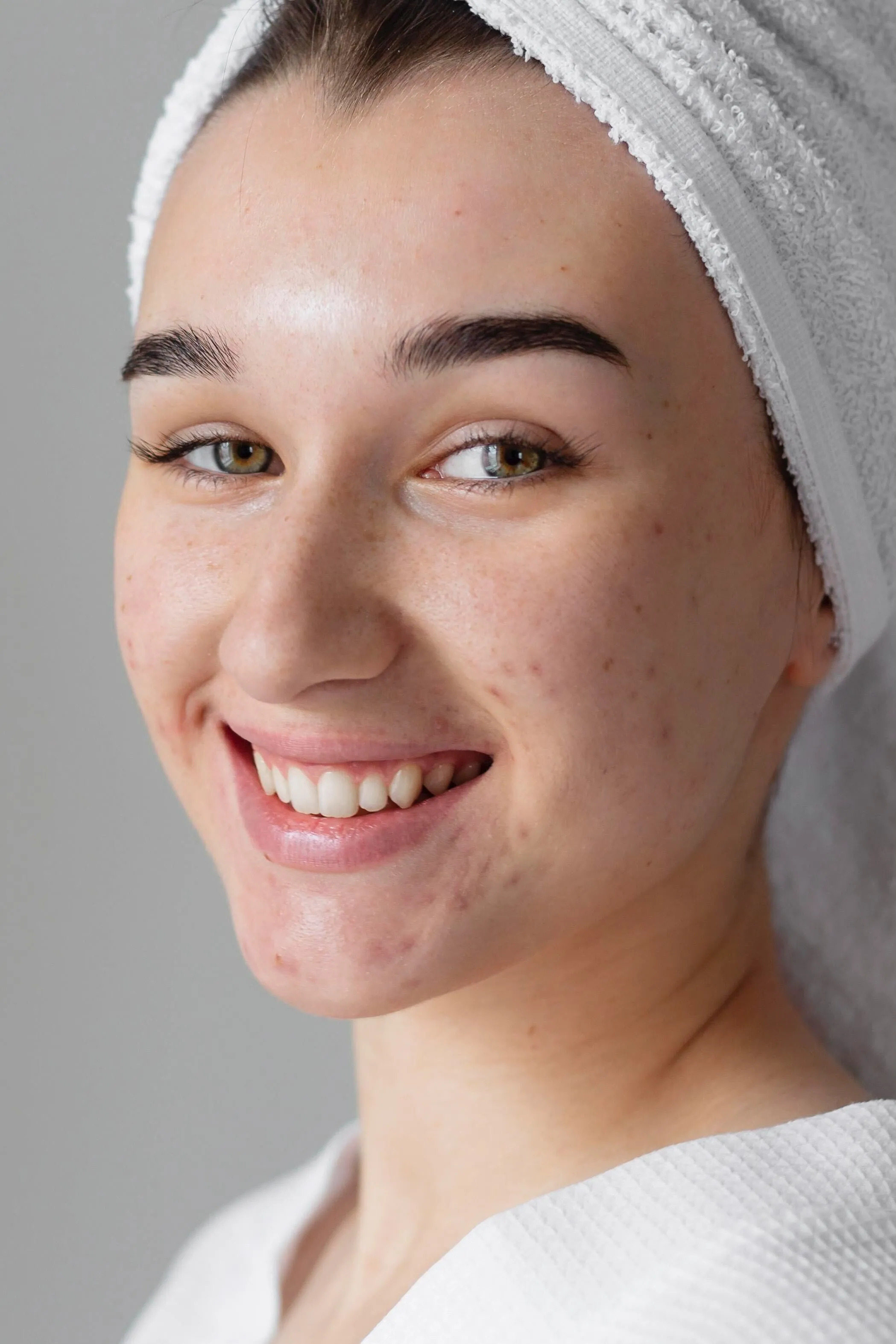
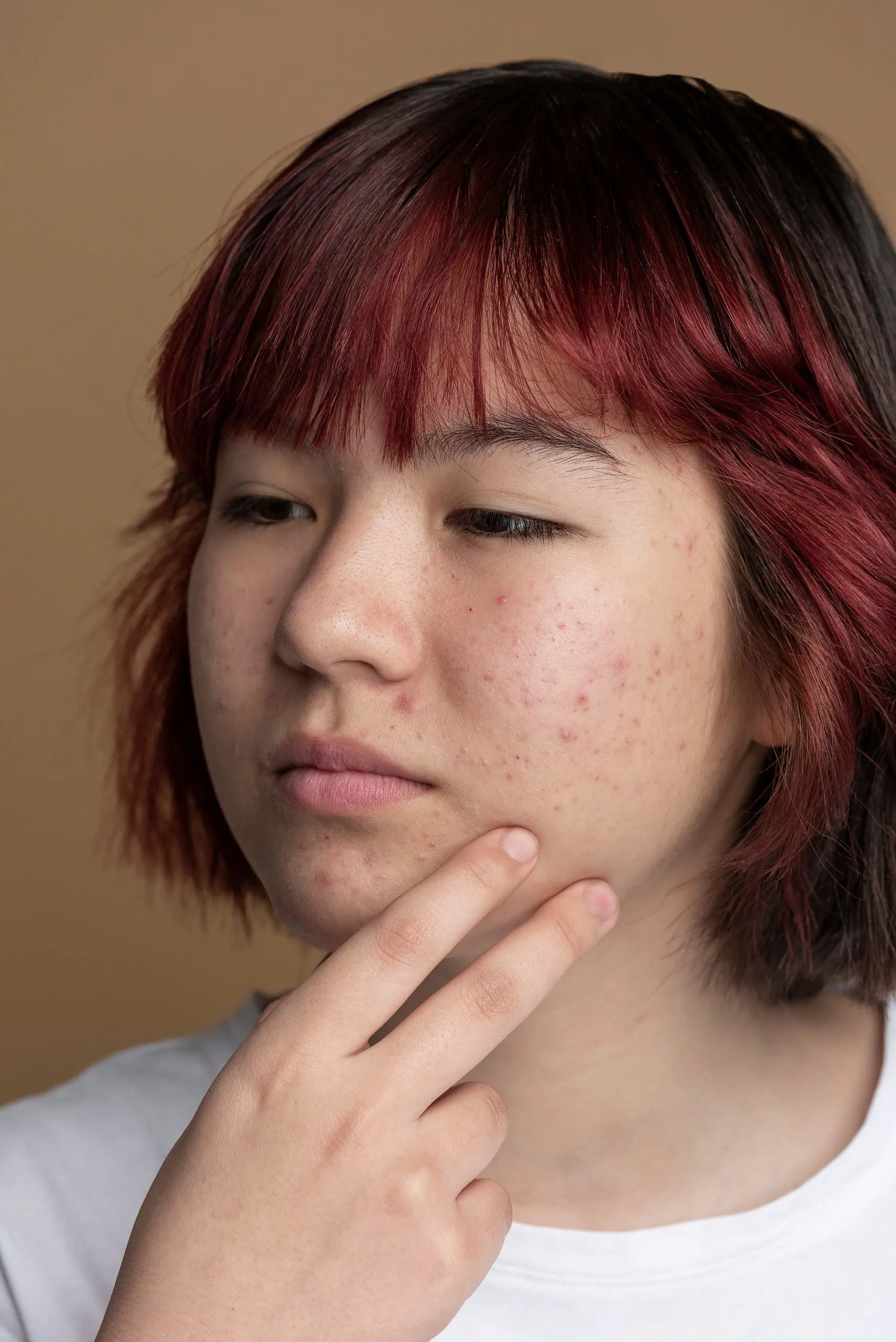
AI 피부 리터칭은 어떻게 작동합니까?
PDF 워크플로우 어시스턴트: AI 스킨이 PDF 워크플로우 어시스턴트와 어떻게 통합되어 간소화된 단계별 워크플로우를 통해 이미지를 향상시키는지 확인해 보세요.
1 사진 업로드
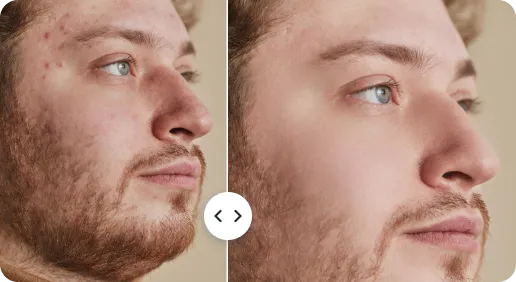
2 AI 피부 리터칭
3 다듬고 다운로드
PDF Workflow Assistant에서 AI Skin으로 셀카 및 인물 사진의 매끈한 피부 AI
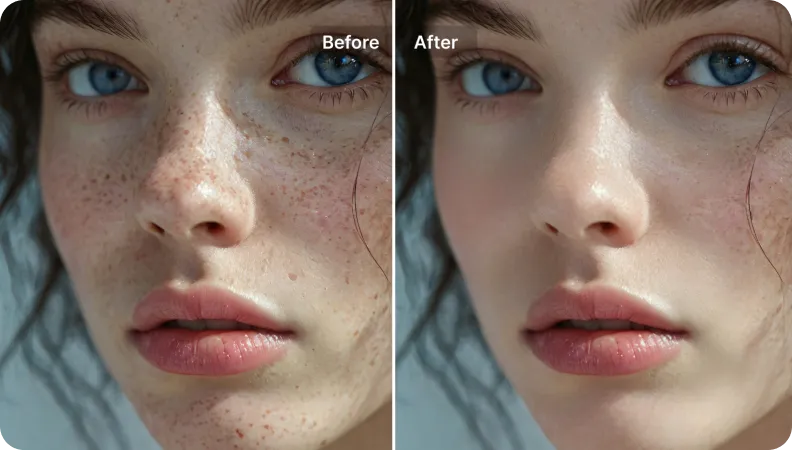
몇 초 만에 아름다운 피부 질감 만들기
디자인 소프트웨어 기술이 필요하지 않습니다. 이미지를 업로드하면 AI Skin이 즉시 보정해 주며, PDF Workflow Assistant 내에서 빠르게 편집할 수 있습니다.
모두를 위한 사용자 친화적인 인터페이스
다양한 기기에서 사용 가능-모바일, 태블릿 또는 데스크탑. 간소화된 탐색 및 컨트롤로 PDF Workflow Assistant 내 편집 속도를 가속화합니다.
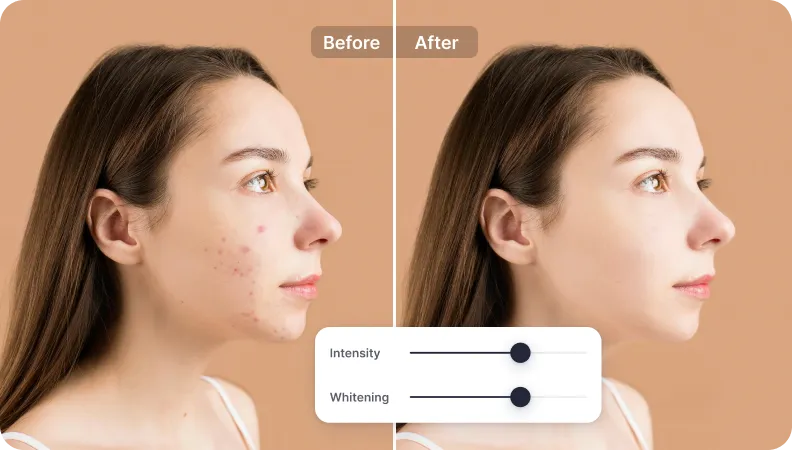
공유를 위한 흠 없이 자연스러운 결과
현실적인 디테일을 유지하면서 매력을 강화합니다. 이미지가 자연스럽고 소셜 채널 게시에 적합한 상태로 보이며, PDF 기반 프로세스에서 투명한 AI 보조 워크플로우를 제공합니다.

Free to Try
AIPhotor is free to try for 3 days, after which you can subscribe to one of our incredible value plans.

Free to Try
We automatically sharpen and transform your images with AI to create multiple final looks. But you can also adjust and add a prompt to customize the results. Choose what works best for you!

Quick & Easy
Screen, edit, resize and download your photos lightning fast.

Compatible with all devices
AIPhotor is available on the iOS and Android stores. Our app works seamlessly across mobile, desktop, and tablet devices.
Frequently Asked Questions
-
What is AIPhotor Photo Editor?

 AIPhotor is a visual online photo editing website that leverages AI technology to help automatically remove objects/people from images; retouch, enhance, colorize, correct, cartoonize, and animate photos in a snap, replacing other photo editing tools Photoshop, Pixlr editor, or Photopea.
Or just drag & drop image here, upto 50 images at once
Or just drag & drop image here, upto 50 images at once
Frequently Asked Questions
-
What is AIPhotor Photo Editor?
AIPhotor is a visual online photo editing website that leverages AI technology to help automatically remove objects/people from images; retouch, enhance, colorize, correct, cartoonize, and animate photos in a snap, replacing other photo editing tools Photoshop, Pixlr editor, or Photopea.